
Data Points & Structured Cabling
Hardwired Ethernet
For Homes & Small Offices
Wi-Fi buffering during a Teams call, a games console that lags on shooters, or a smart TV that refuses to stream in 4K? A hardwired Cat6 data point is the fix. Cabling run tidily through the loft, terminated to proper wall-plates and tested to full spec.
4.5 stars · 155 Google reviews 2-year no-nonsense warranty Same-day slots available
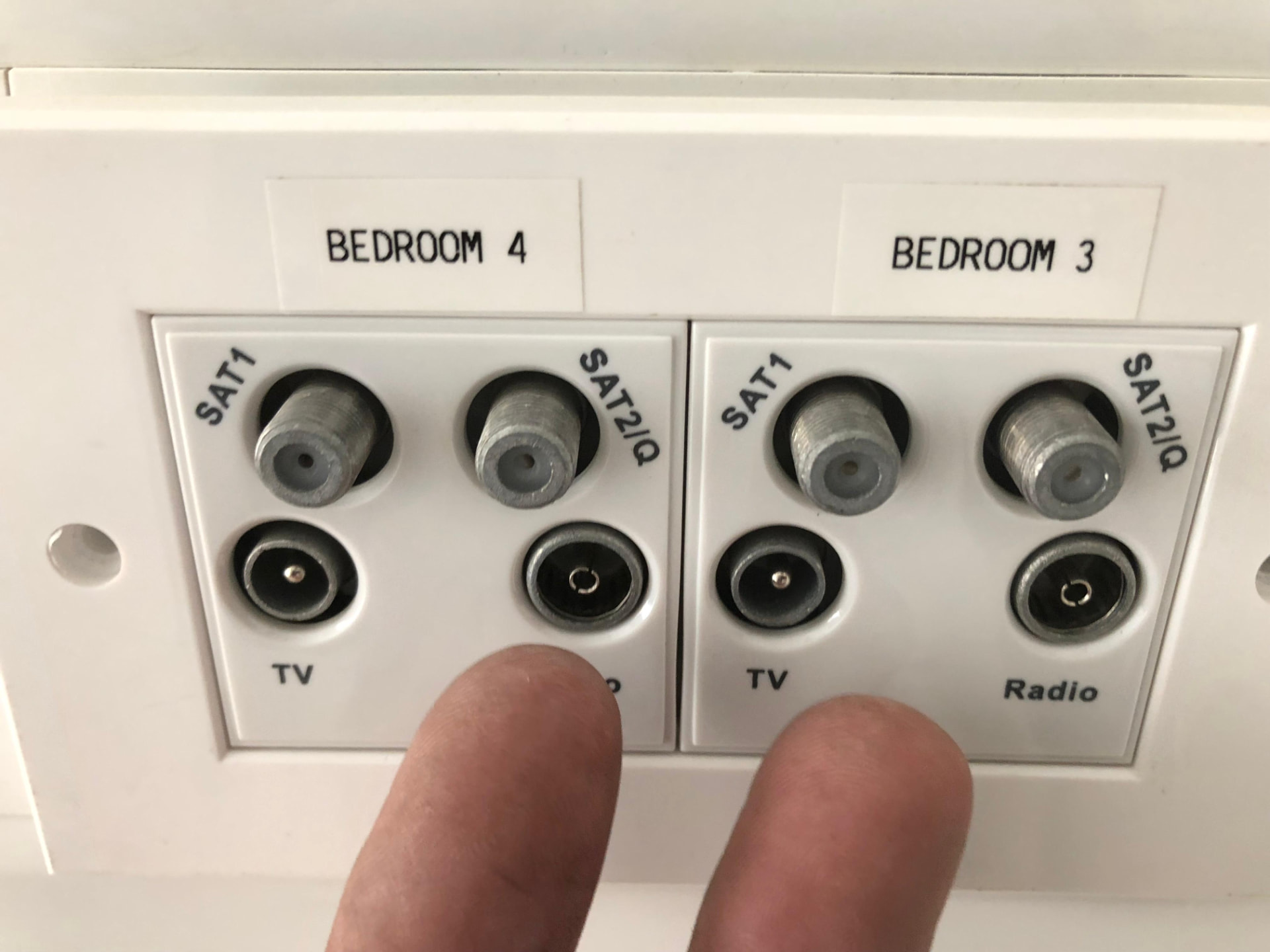
What it is, who it's for, and when you need it.
What it is
Who it's for
When you need it
Why professional install matters
A small fault today is a bigger bill tomorrow.
What ignoring it can cost you
- Video calls dropping mid-sentence, a professional cost, not just an annoyance
- 4K streams downshifting to 1080p or lower without you noticing
- Online gaming lag that costs you the round every time
- Smart-home devices randomly losing sync, thermostats, alarms, doorbells
- Repeated 'reboot the router' calls that don't fix anything permanently
Common DIY mistakes we get called back to fix
- Running Cat cable next to mains cabling, introduces noise that reduces speed
- Terminating Cat6 in the wrong pin order, link drops to 100Mbps instead of Gigabit
- Using CCA (copper-clad aluminium) cable instead of pure copper, fine on paper, unstable in practice
- Skipping a patch panel on multi-point jobs, impossible to trace which cable goes where later
- Drilling through joists in the wrong place, structural damage nobody sees for years
A clear five-step system, no surprises.
You'll know exactly what's happening at every stage. No jargon, no gotchas, no charging you for parts you don't need.
- 01Step 1
Site walk & plan
We agree hub location, count end-points, decide cable routes (loft, floor void or surface trunking) and cable grade (Cat5e or Cat6). Free quote before we start.
- 02Step 2
Cable runs
Cable pulled tidily through lofts, under floors or in slim trunking. Kept clear of mains cables, avoided across ceiling joists in the middle of rooms.
- 03Step 3
Termination
Wall-plates fitted flush with proper back-boxes. Multi-point jobs terminated to a rack-mount or wall-mount patch panel with cables labelled.
- 04Step 4
Testing
Every point tested with a proper cable tester | full continuity, correct pin order, speed capability confirmed. Nothing left to chance.
- 05Step 5
Handover & warranty
Patch cables supplied, router or switch connected, first devices online. 2-year parts-and-labour warranty logged.
What a proper install actually gets you.
True Gigabit speeds
Cat6 delivers full Gigabit (and 10Gb over short runs) | everything you actually paid your ISP for reaches the device.
Rock-solid video calls
No more 'sorry, you cut out' mid-meeting. Wired is stable in a way Wi-Fi will never be.
Lag-free gaming
Consistent low ping is what a wired connection gives you | Wi-Fi is 20–40ms slower even at its best.
Frees up Wi-Fi
Hardwiring the heavy users (TV, PC, console) leaves Wi-Fi much stronger for the phones and tablets.
Neat cable management
Cable in the loft, out at a flush wall-plate. No trailing wires, no rugs pulled up to hide flex.
Future-proof for a decade
Cat6 will comfortably handle everything you can throw at it well into the 2030s.
Everything worth knowing before you book.
Materials, methods, variations and the situations we handle day-in day-out, so you can make an informed decision, not a guess.
Get a straight-talking quoteCat5e vs Cat6, which do you need?
Cat5e: up to 1 Gbps at 100m. Fine for a single home-office point where a full-fat Gigabit is more than the ISP is delivering anyway. Cheaper cable.
Cat6: 1 Gbps at 100m, or 10 Gbps at up to 55m. Our default for new installs, modest price difference vs Cat5e, and it gives real headroom for whatever ISP speeds arrive next.
Cat6a: 10 Gbps at 100m, thicker cable, harder to route through tight spaces. Overkill for most homes; worth specifying in commercial installs.
Whichever grade you choose, we always use pure-copper cable, never CCA (copper-clad aluminium), which technically works but degrades over time and can't take the same power for Power-over-Ethernet.
Where the cables run
Through the loft: the neatest option in most houses. Cable is dropped down internal walls to wall-plates on the ground floor, or straight down through the ceiling void for upstairs points.
Under suspended floors: where the loft route doesn't work. Boards lifted carefully, cable clipped along joists, boards refitted.
Slim surface trunking: colour-matched to skirting or coving, used where in-wall isn't practical. Barely noticeable once painted-in.
Outdoor grade to a garden office: UV-stable, gel-filled Cat6 in armoured conduit, buried at proper depth. We do a lot of these.
Wall-plates, patch panels and racks
Single-point jobs get a flush RJ45 wall-plate on a back-box, the same footprint as a standard mains socket.
Multi-point jobs (a home office with several PCs, or a house with a wired room on every floor) get a small patch panel, usually wall-mounted in the loft or a cupboard, so every cable is terminated once and switching becomes trivial.
Small commercial installs get a proper 6U or 9U wall rack with patch panel, network switch and cable management, all tidy and labelled.
Home vs small commercial
Residential jobs focus on invisibility, cables you can't see, wall-plates that match the room. Commercial jobs (small offices, salons, gyms, cafés) focus on scalability, patch panels, labelling, and PoE support for cameras, phones or wireless access points. Both are handled to the same test-and-certify standard.
Recent data points & structured cabling work.
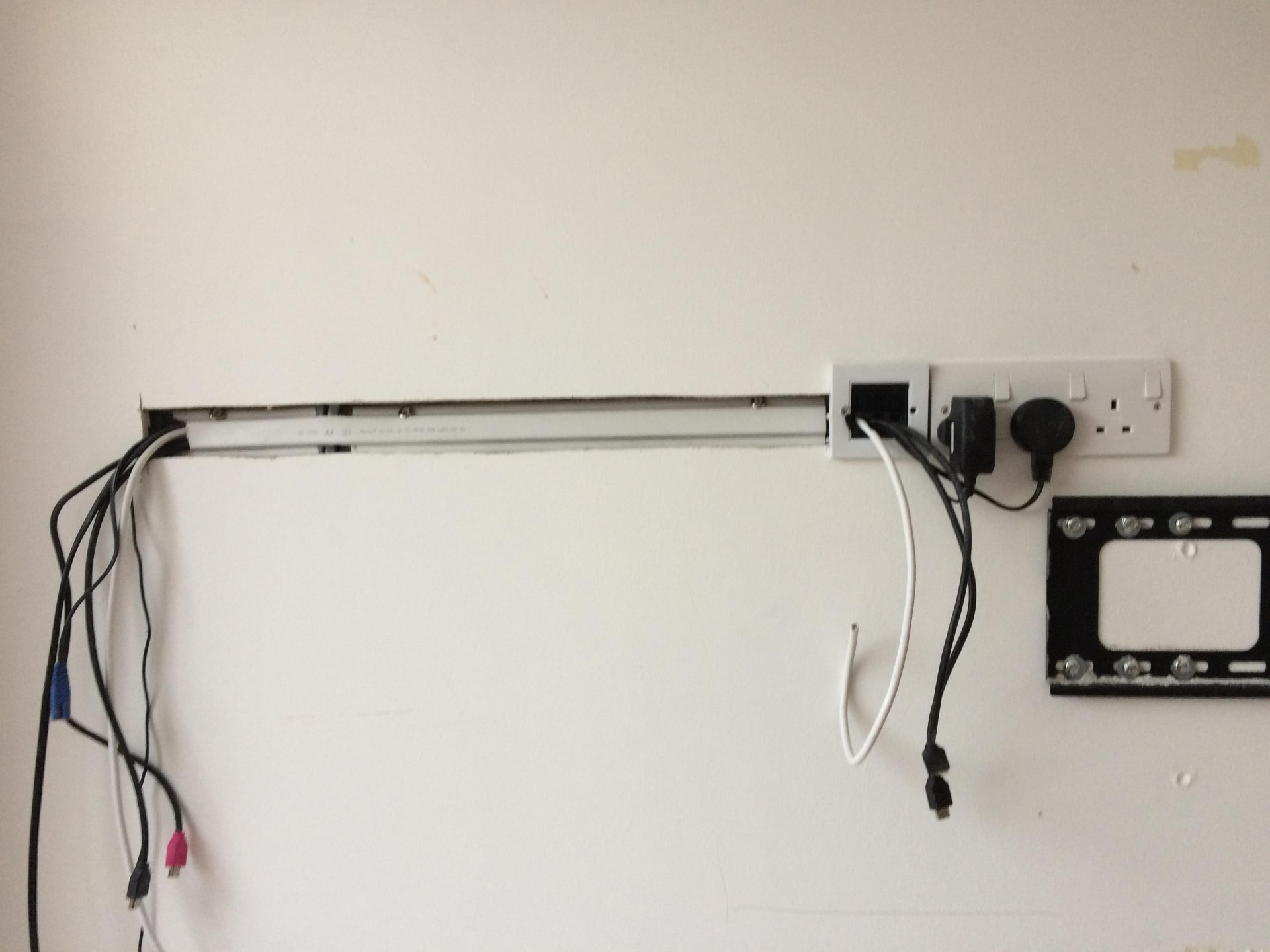
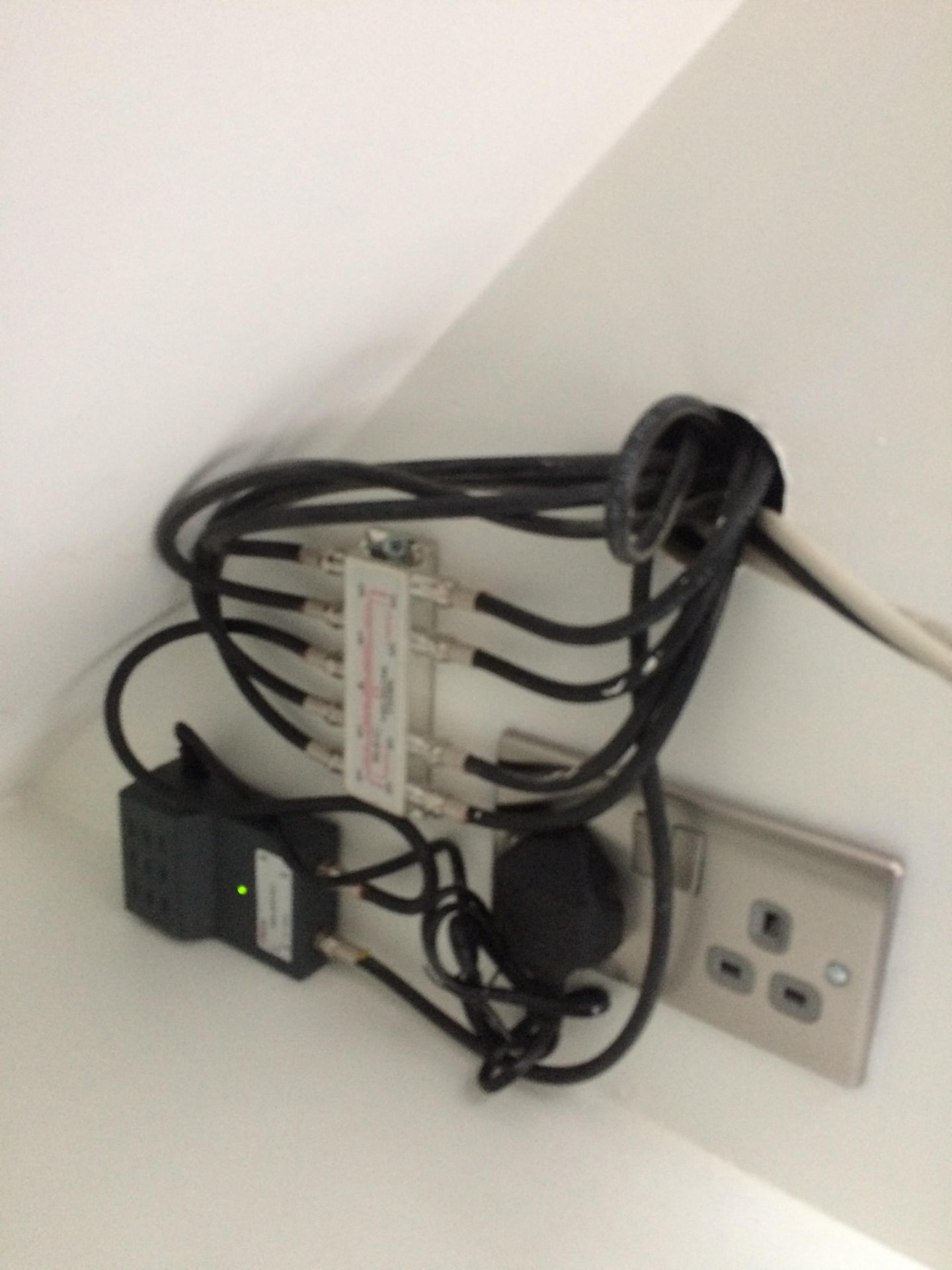
Photographs from actual Speedy Aerials installs, the same standard of workmanship you'll get on your job.
Local engineers across seven counties.
Based in Stevenage and covering Hertfordshire, Bedfordshire, Essex and the counties between, including HA and EN postcodes of North London.
The questions we get asked every week.
Can't see yours? Call Larry on 07733 555269, he'll answer honestly, even if the answer isn't a sale.
How much does a data point installation cost?
+
Depends on cable length, cable grade (Cat5e vs Cat6), how many points, and how easy the route is (loft access vs suspended floor). We give a fixed price on the free site visit, call 07733 555269.
How long does the installation take?
+
A single point in a house with easy loft access is usually 1–2 hours. A multi-point install with a patch panel is half a day to a full day.
What's better, Wi-Fi mesh or wired?
+
Wired every time for anything stationary, TV, PC, console, printer. Wi-Fi (or mesh) for anything you carry around, phone, tablet, laptop. Best result is a combination: wire the fixed stuff, and Wi-Fi improves automatically because it's less contended.
Can you run cable to my garden office / summer house?
+
Yes, outdoor-grade Cat6 in armoured conduit, buried at correct depth. Handles PoE for cameras or access points at the far end too.
Will you make a mess?
+
Very rarely, most cable is run through lofts and voids. Where a chase is unavoidable we make it as small as possible and make good afterwards. Dust sheets down where we're working.
Do you test the cables when you're done?
+
Every time, with a proper Cat cable tester that confirms continuity, correct pin order and the speed grade you've paid for.
What's the warranty?
+
Two years on parts and labour, cable, sockets, patch panels, patch cables. If any element fails inside 24 months we come back at no cost.
Can you add a network switch or Wi-Fi access point at the same time?
+
Yes, we supply and fit switches, wired access points and PoE injectors as part of the same job.
Is Cat6 fast enough for the future?
+
Yes, Cat6 handles Gigabit easily and 10Gb over shorter runs. UK domestic broadband is unlikely to challenge Cat6 during the lifetime of the install.
Get it sorted properly, the first time, today.
Free honest quote before any work starts. 2-year warranty. You'll speak to Larry when you call, not a call centre.
Free call-out · Same-day slots · Open until 8pm, 7 days